
Classify entries without typing the same thing twice
Configure text patterns once. Every entry that matches — category, vendor, cost center and notes filled automatically. On CSV import, OFX statement, API and manual creation.
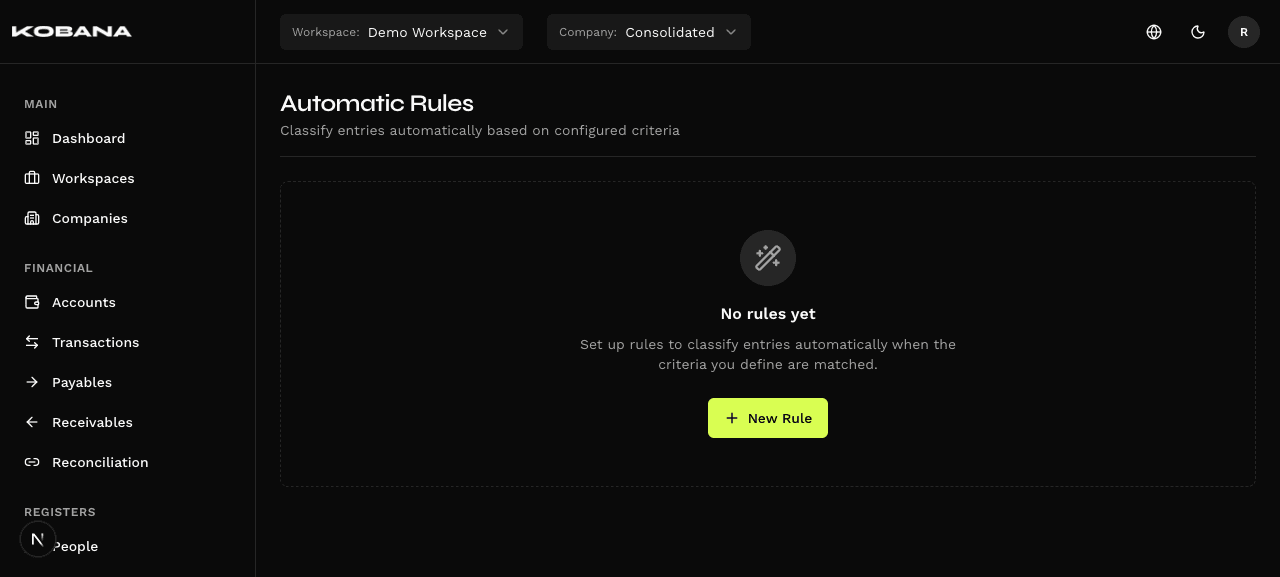
One rule. All future entries classified.
Define the pattern
Configure a substring or exact text that identifies the entry (e.g., "NETFLIX", "PAYROLL", "ENERGY BILL").
Choose what to fill
Select category, vendor/customer, cost center, payment method and notes. Fill only what makes sense for that rule.
Set the priority
Drag to reorder rules. The first that matches wins. Full control over which rule takes precedence when two could match.
Everything classified from now on
Every new entry that comes in — via UI, CSV import, OFX statement or API — is checked against the rule list before being saved.
Smart classification on all entry flows
- Case-insensitive by default
- Substring match (contains)
- Simple setup, no regex
- Independent fields — configure any combination
- Notes with free text
- Payment method for payables/receivables
- Drag-and-drop interface
- First match wins (no ambiguity)
- Reordering saved in real time
- Transactions (bank statement)
- Charges (payables and receivables)
- All types
- Async job via BullMQ
- Doesn't block the interface
- Report of updated entries
- UI: fires on save
- CSV: fires line by line during processing
- API: fires on each creation via endpoint
Rules the finance team configures once
Frequent Vendors
Description "ENERGY SP DISTRIBUTOR" automatically becomes: Category "Electricity", Vendor "Energy SP", Cost Center "Operations".
Payroll
Any entry with "PAYROLL" in description → Category "Salaries", Method "Transfer", Note "See pay stub".
Taxes and Tax Guides
"DARF" → Category "Federal Taxes". "GPS" → Category "Employer INSS". Automatic for each guide imported from statement.
SaaS and Subscriptions
"SLACK", "GITHUB", "FIGMA" → Category "Software/SaaS", Cost Center "IT". Configure once for each tool.
Utility Bills
"SABESP", "ENEL", "VIVO" → Category "Utilities" + corresponding Cost Center. Works even when description varies month to month.
Frequently asked questions
Stop manually classifying what already has a pattern
See in practice how automatic rules eliminate repetitive work from your company's finance team.